Team operations

Basketball team scheduling app for practices, games and courts

Put every practice, game and tournament in one calendar tied to groups, coaches and courts. Set a season of recurring sessions once, and players and parents see the same schedule.

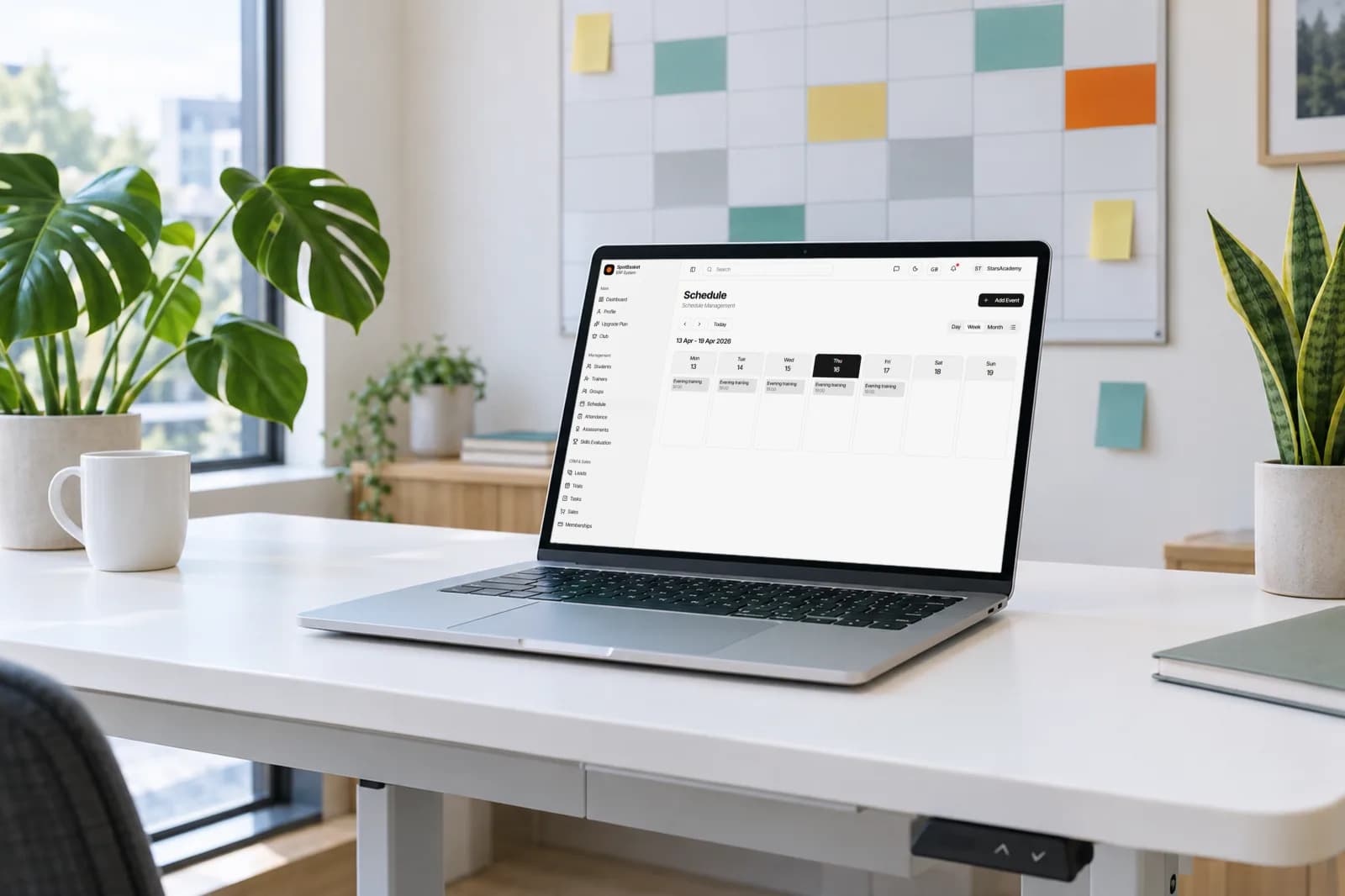
SpotBasket basketball team scheduling app showing a weekly practice calendar on a laptop
In short

SpotBasket Team Scheduling is the calendar in SpotBasket OS. Clubs create training sessions, games, tournaments and events for a group or an individual player, assign one or more coaches and a location, and repeat sessions on chosen weekdays until an end date. Staff see day, week, month and list views; players and parents see their own schedule.

What you can do

Recurring sessions

Pick weekdays, a start time and an end date, and a season of practices is created at once.

Groups, coaches and courts

Attach each session to a group or a single player, one or more coaches and a location.

Practices, games, tournaments

Label events by type so the calendar shows the difference between a practice and a game day.

Four calendar views

Switch between day, week, month and list views and filter by type, status or location.

Edit one or the whole series

Move a single session or shift the start time, length and coaches of every session in the series.

Attendance from the event

Open a session to mark present, absent, excused or sick and complete it in the same place.

Plan the season

How do I create a basketball practice schedule?

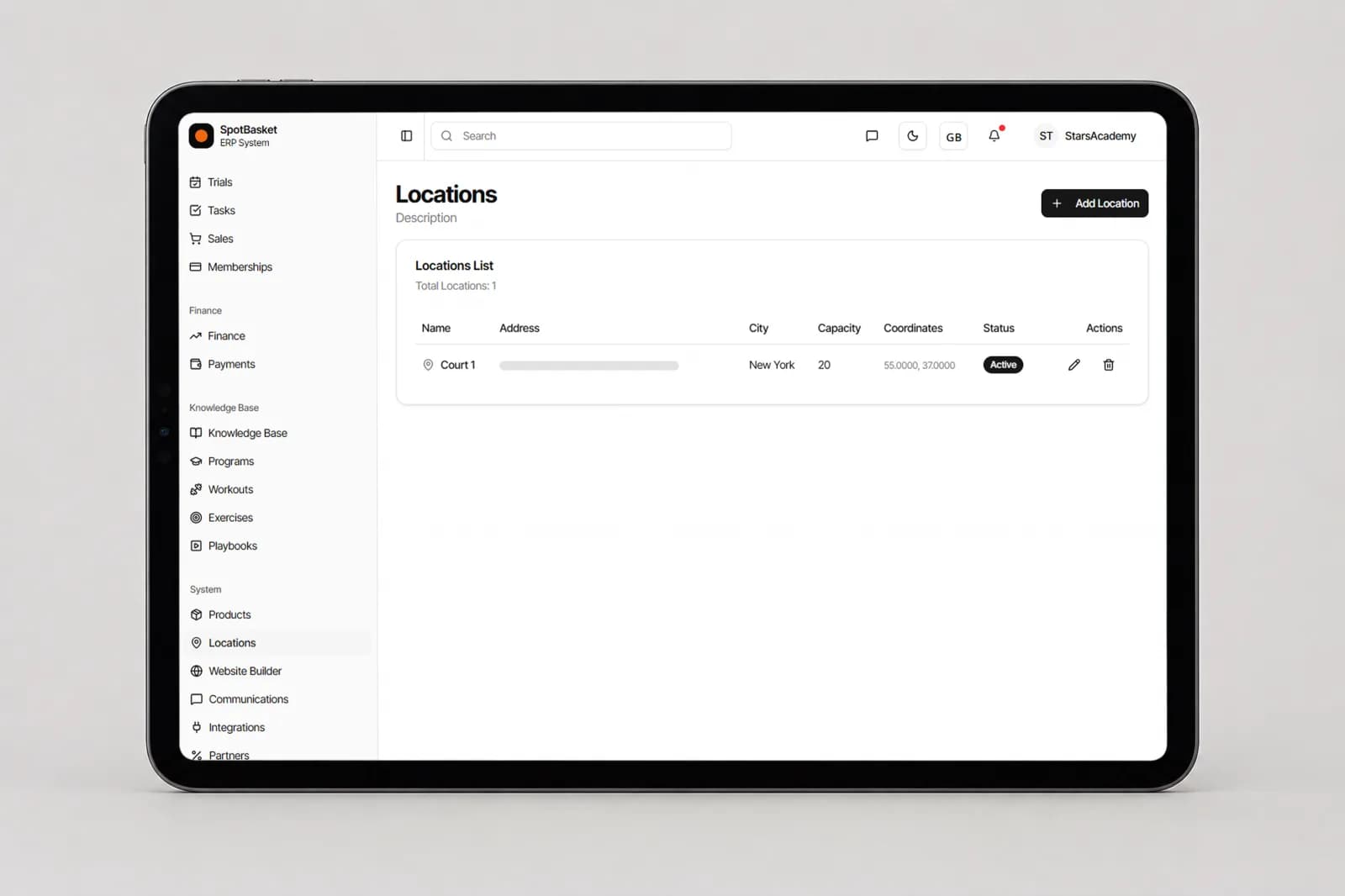
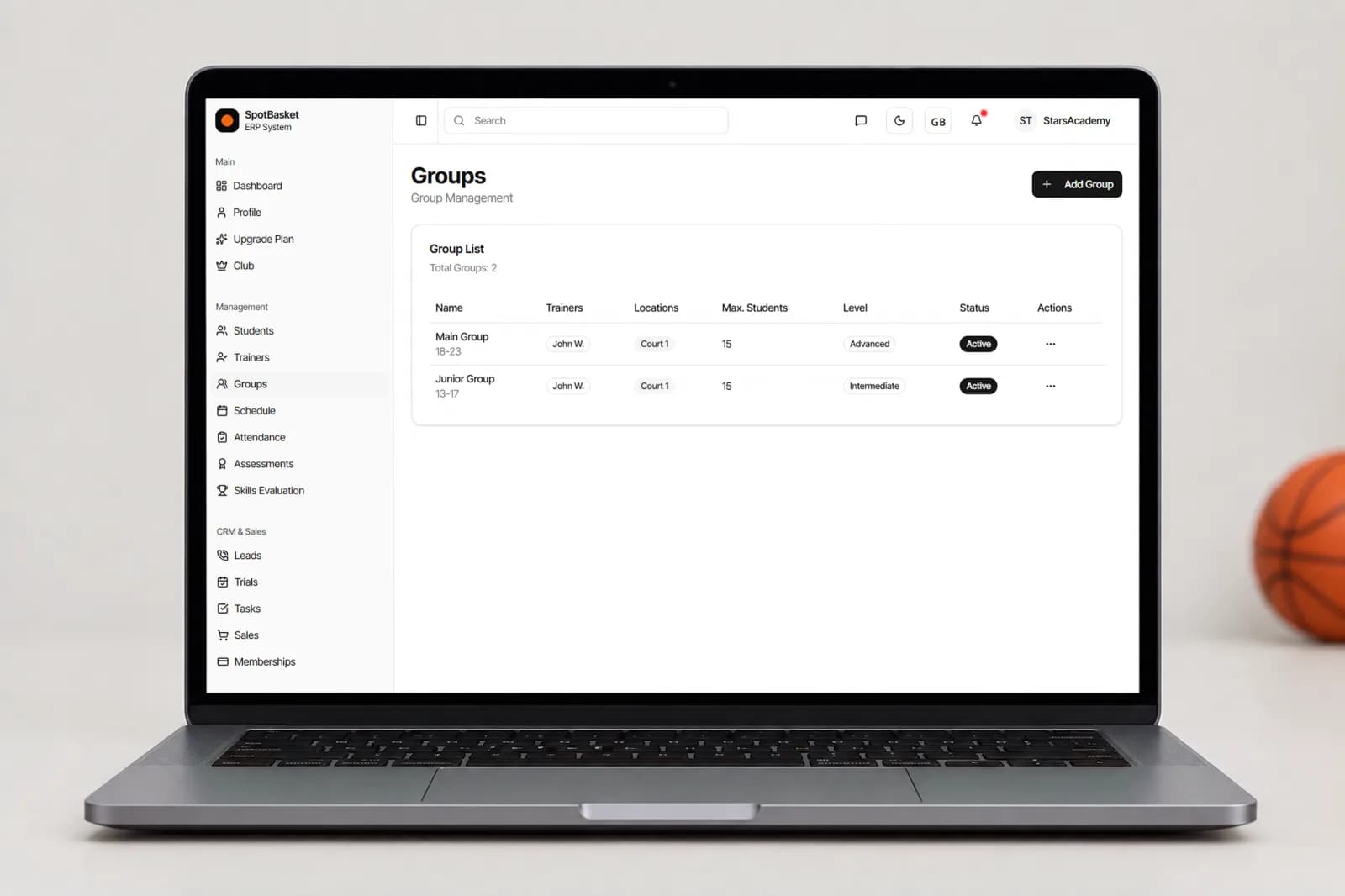
Start with your groups and courts. Each group in SpotBasket OS has an age range, level, coaches, a location and a maximum number of players, and each location has an address and capacity. Create a training session for a group, choose the weekdays and time, set an end date and the whole season appears on the calendar.

When plans change, edit a single session to move one practice, or apply the change to all sessions in the series to shift the start time, duration or coaches. Games, tournaments and one-off events live on the same calendar with their own type, so nobody books a practice on top of a tournament weekend.

  • Training, game, tournament and event types
  • Group or individual sessions
  • Multiple coaches per session
  • Recurring by weekday with an end date
Creating recurring basketball practices by weekday in the SpotBasket practice schedule app
Run the day

Sports club scheduling software that the whole staff uses

Administrators see the whole club; coaches see their own sessions. Day and week views answer what is happening now, the month view helps with gym bookings, and the list view is handy for checking upcoming and past sessions. Filters by type, status and location keep a busy multi-court calendar readable.

Each session is also where the work happens. Open it to see participants, mark attendance, record trial players and mark the session completed. The dashboard lists today's events and upcoming sessions, so a head coach or director gets a quick view of the day without calling around.

Sports club scheduling software month view with practices and games by location
Families

A practice schedule app players and parents can check

The question coaches hear most is “what time is practice?”. In SpotBasket OS every player and parent has an account that shows their own upcoming and past sessions, and a parent with more than one child can switch between them. When a session moves, the schedule they see changes with it.

Groups keep the calendar realistic. Each group has a maximum number of players and shows when it is full, and each location has a capacity, so you do not promise a spot that does not exist. Turn on the schedule section of your club website and prospective families can see training times before they book a trial.

  • Personal schedule for players and parents
  • Group size limits and location capacity
  • Optional schedule section on the club website

Spreadsheet schedules vs. SpotBasket Team Scheduling

Without SpotBasket OSWith SpotBasket OS
Building the seasonCopying rows in a spreadsheet week by weekRecurring sessions by weekday until an end date
Court conflictsFound out when two teams show upEvery session tied to a location in one calendar
Changing a timeEdit every row and message every parentUpdate one session or the whole series
Coach assignmentsSeparate list in a chatCoaches attached to each session
Families checking timesAsking in the group chatTheir own schedule in their account

How to get started

  1. 01

    Register for free

    Create your account at app.spotbasket.com and add your coaches.

  2. 02

    Add locations and groups

    Enter your courts with capacity, then create groups with age range, level, coaches and a home location.

  3. 03

    Create recurring sessions

    Schedule each group's practices by weekday and add games, tournaments and events.

  4. 04

    Share and run

    Players and parents see their schedule; coaches take attendance right from each session.

Frequently asked questions

What is the best basketball team scheduling app?

+

The best basketball team scheduling app connects the calendar to your teams, coaches and courts. SpotBasket OS schedules recurring practices, games and tournaments by group, assigns coaches and locations, and lets players and parents see their own schedule, while attendance and memberships stay linked to the same sessions.

Can I schedule recurring practices?

+

Yes, SpotBasket OS creates recurring practices from a weekday pattern. Choose the days, start time, duration and an end date, and every session in the series is added at once. Later you can change a single session or apply new times, duration or coaches to the whole series.

Can parents see the practice schedule?

+

Yes, players and parents see their own schedule in their SpotBasket OS account, including upcoming and past sessions. A parent with more than one child can switch between them. Players and parents also get the SpotBasket app for iOS and Android.

Can I manage several courts and locations?

+

Yes, each location in SpotBasket OS has its own address, capacity and status, and every session is tied to a location. Filter the calendar by location to see one gym at a time, and give branch managers access to the locations they run.

Does the schedule handle individual training sessions?

+

Yes, a session can belong to a group or to a single player. Individual sessions sit on the same calendar as team practices with their own coach and location, which is how private trainers and academies with one-on-one work keep everything in one schedule.

Can I show the schedule on my club website?

+

Yes, the SpotBasket Website Builder has a schedule section you can turn on, alongside trainers, teams, locations and memberships. Visitors see your training times on the club website, and changes made in SpotBasket OS show up without editing the site separately.
Book a demo

See SpotBasket OS on your own club

Tell us how your club works today. We will show the modules that matter to you — groups, schedule, payments, player development and coaching tools — in a 30-minute call.

  • 30-minute live walkthrough
  • Set up with your groups and plans
  • Free to start, no card needed
© 2026 SpotBasket · Los Angeles, CA. All rights reserved.