Team operations
Sports attendance tracking app built for basketball practice
Mark who showed up in a few taps, record why someone missed, and see attendance rates by player and group before a drop-off turns into a cancellation.
Mark who showed up in a few taps, record why someone missed, and see attendance rates by player and group before a drop-off turns into a cancellation.
SpotBasket Attendance Tracking records who attends each session in SpotBasket OS. Coaches mark players present or absent from the session, with excused, unexcused or sick reasons, or mark everyone present at once. Analytics show attendance rates, totals and top attendees by period and group, and the dashboard flags groups with low attendance.
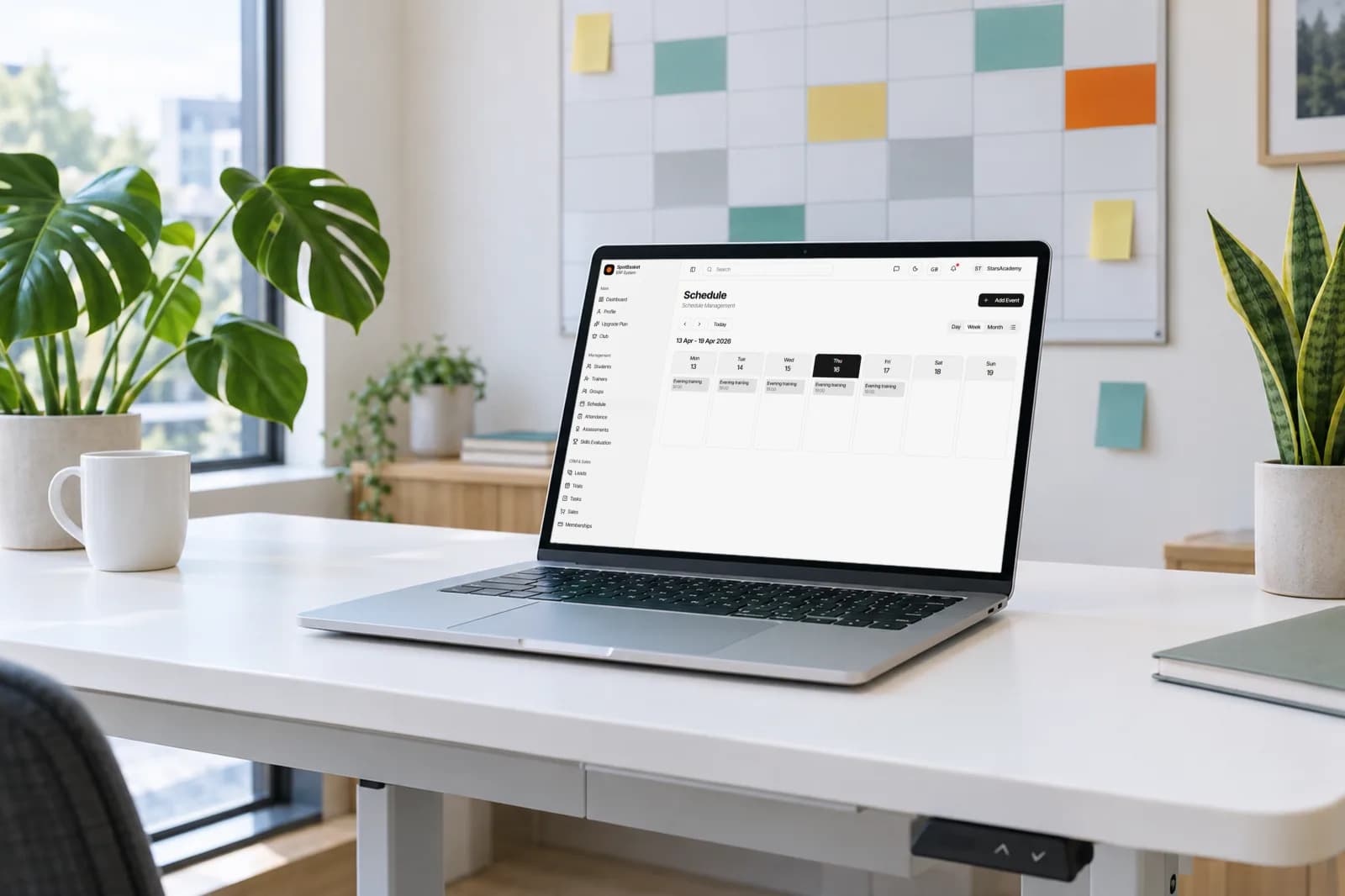
Open a practice on the schedule and mark each player present or absent in the same screen.
Start with everyone present and only change the players who are missing.
Record an absence as excused, unexcused or sick and injured to separate illness from drop-off.
See sessions, attendances, absences and attendance rate for the last 7, 30 or 90 days or the year.
See which players have the best attendance, useful for awards and conversations with parents.
The dashboard flags groups whose attendance falls below 60 percent so you can act early.
The fastest way is to start from the practice itself. In SpotBasket OS each session on the schedule already knows which group is training, so the coach opens it, taps mark all present and switches off the few players who did not come. It takes seconds on a phone at the side of the court.
Absences carry a reason: excused, unexcused, or sick and injured. That detail matters later. A player who missed three weeks with a sprained ankle needs a different conversation than one who stopped showing up, and your basketball attendance tracker should tell you which is which without anyone relying on memory.
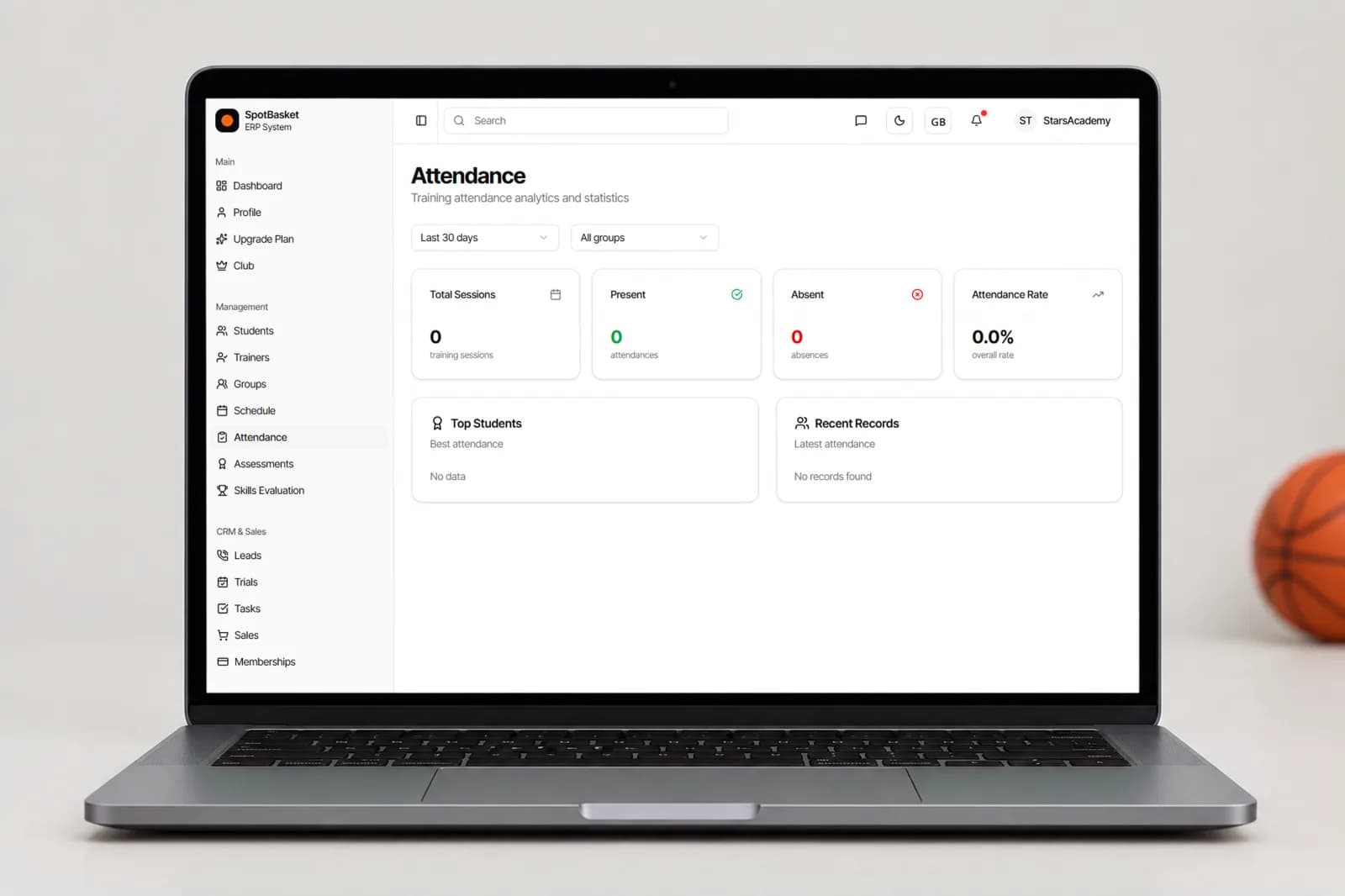
Attendance data is only useful when someone looks at it. The attendance page shows total sessions, present and absent counts and the overall rate for the last 7, 30 or 90 days or the past year, filtered by group, with a list of top students and the most recent records.
The dashboard goes one step further and raises an alert when a group's attendance drops below 60 percent. Each player's card keeps their own attendance history next to memberships and payments, so an admin can see whether a family that stopped coming also has a membership about to expire, and reach out before the player quits.
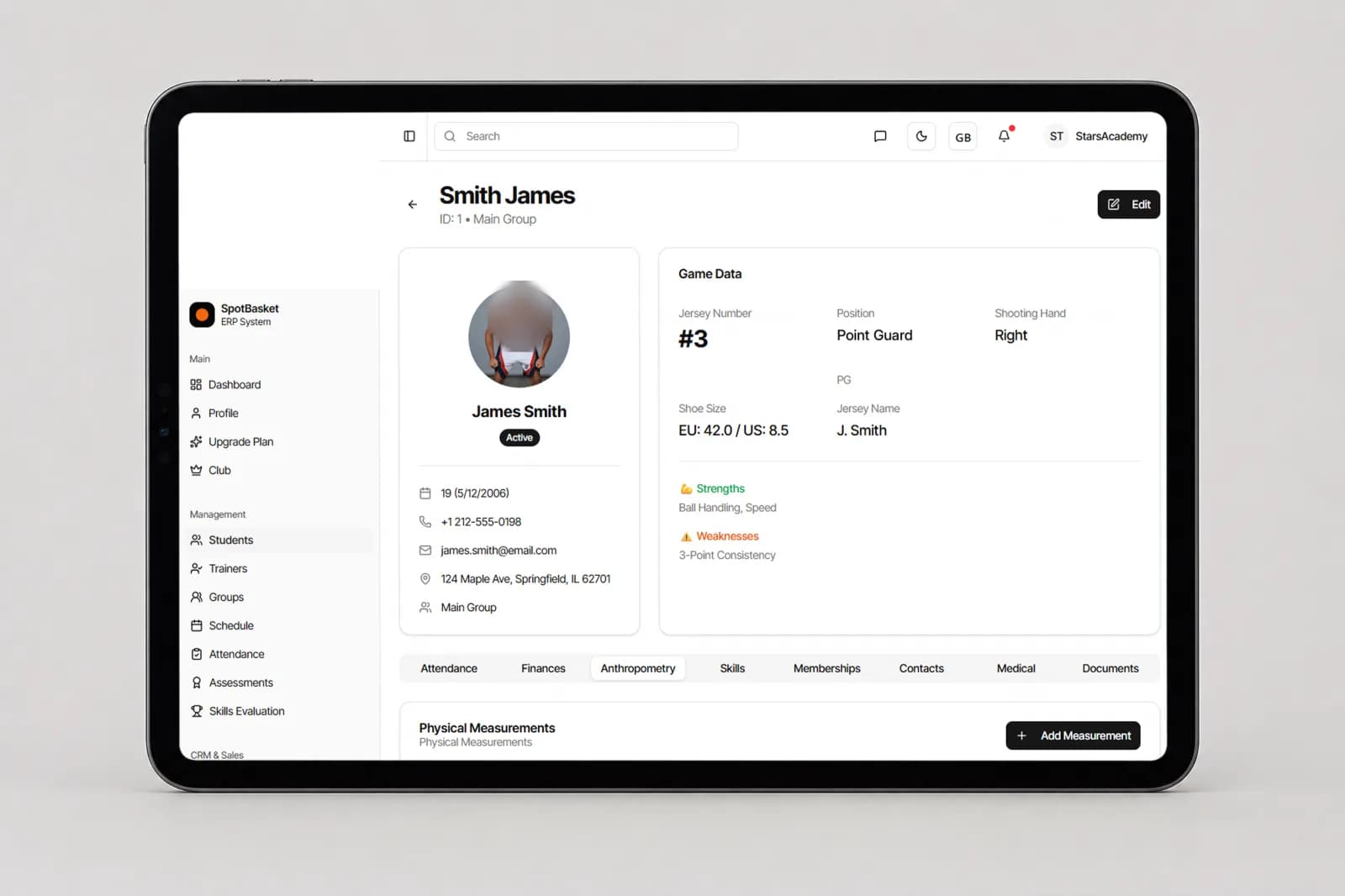
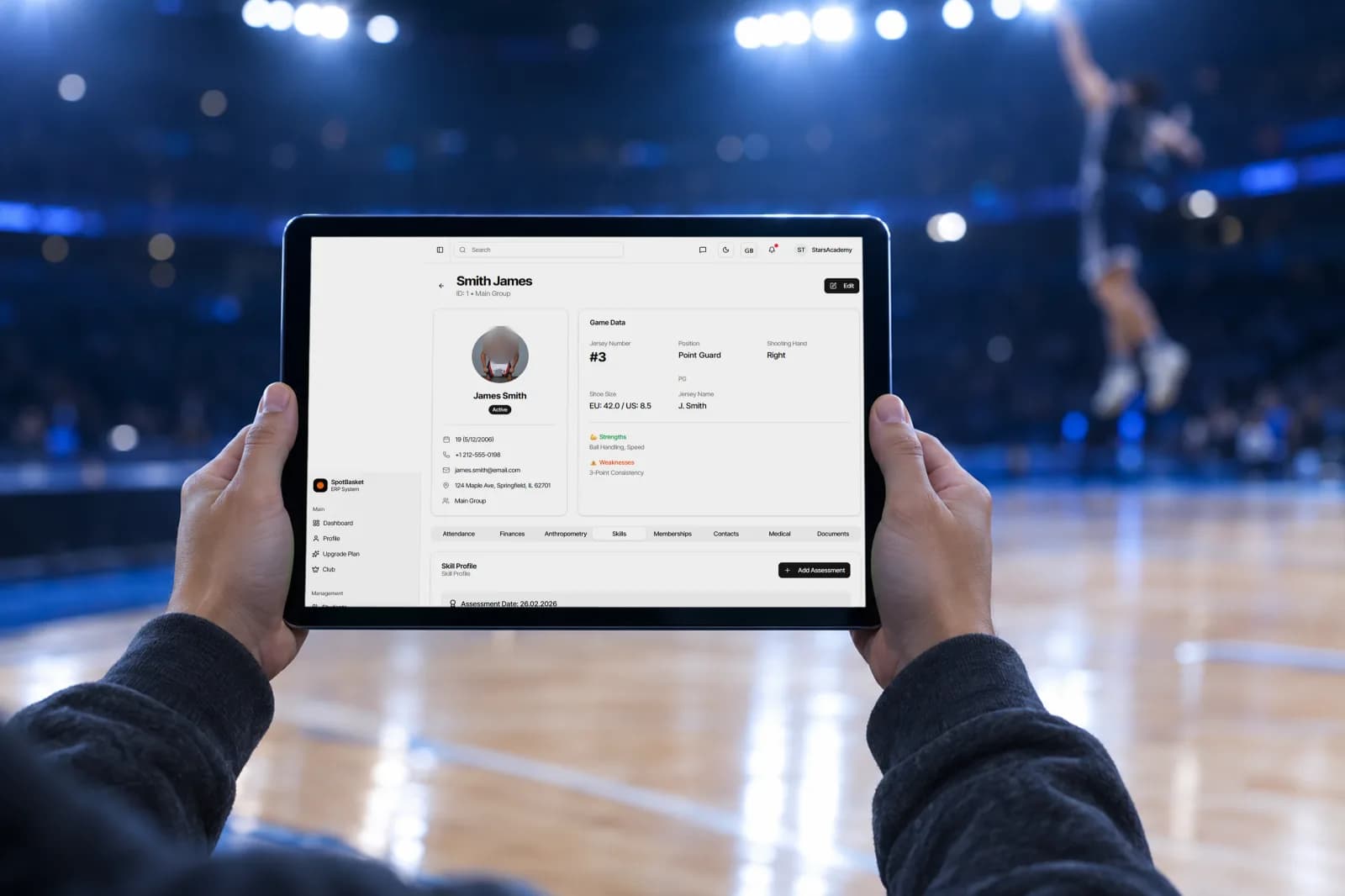
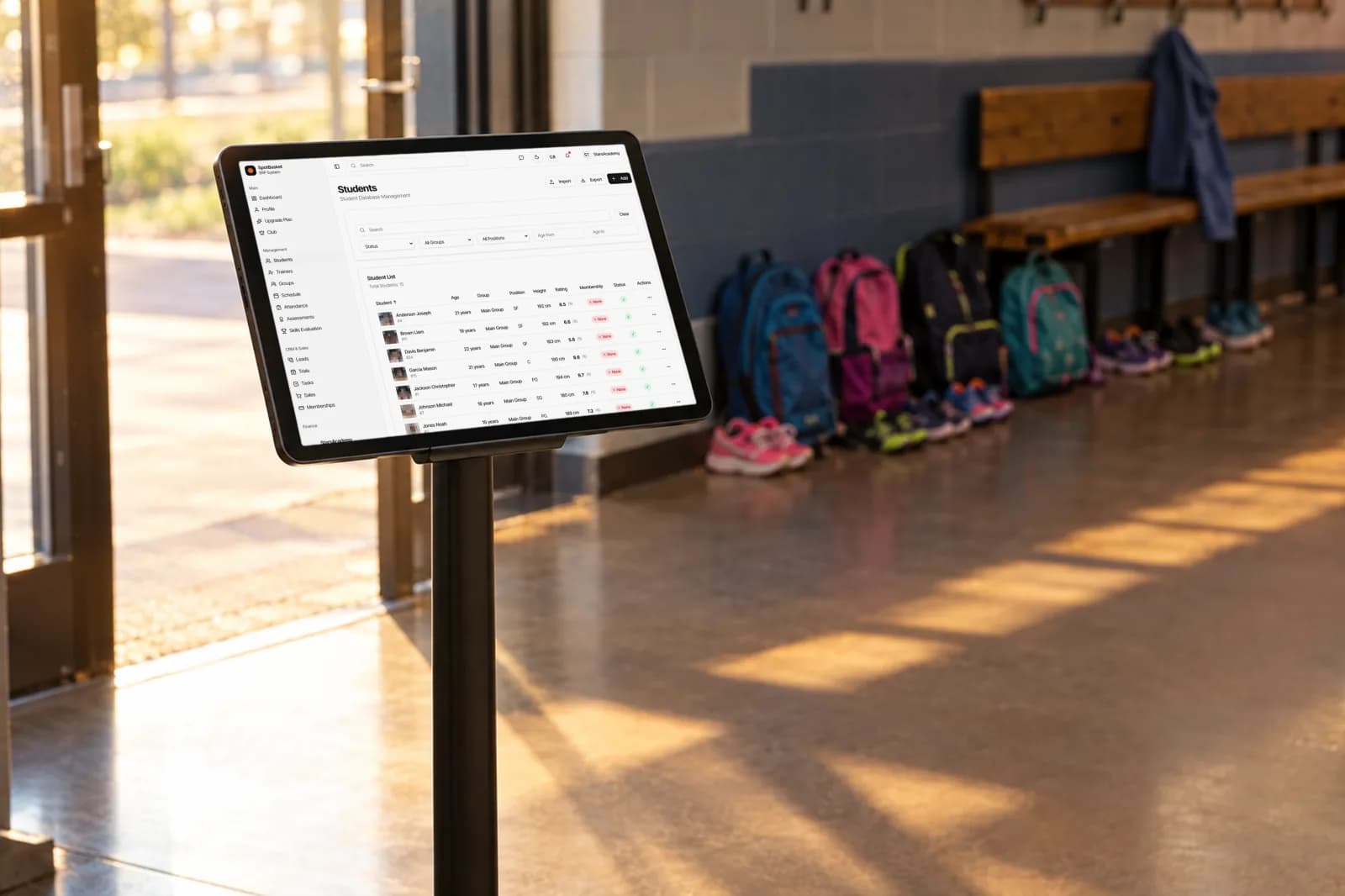
Attendance means more next to everything else you know about a player. On the student card it sits beside memberships, payments, assessments, skills and medical notes, so a coach preparing a parent meeting sees the full picture: how often the player trains, how their scores are moving and whether their membership is current.
For session-based memberships, the remaining sessions count shows how much of the pack is left, and SpotBasket OS can send an automatic reminder when sessions run low. The dashboard brings the signals together with alerts for expiring memberships, expired memberships and low-attendance groups, which gives the front office a short daily list of families to contact.
| Without SpotBasket OS | With SpotBasket OS | |
|---|---|---|
| Taking attendance | Paper roll call, typed up later if at all | Marked from the session in seconds |
| Absence reasons | Not recorded | Excused, unexcused or sick and injured |
| Attendance rates | Counting ticks in a spreadsheet | Rates by group and period calculated automatically |
| Spotting drop-off | Noticed when the player has already left | Low-attendance alerts on the dashboard |
| Player history | Scattered across sheets and seasons | Attendance tab on each student card |
Create your account at app.spotbasket.com and import your players from an Excel file.
Put players in groups and create their recurring practices.
Open the session, mark all present, adjust absences with a reason and save.
Check rates by group and period, and follow up on low-attendance alerts.
The best way to track sports team attendance is to mark it from the scheduled session, so the roster is already loaded and the data is stored automatically. SpotBasket OS does that for every practice and adds absence reasons, attendance rates by group and period, and alerts when a group's attendance drops.
Yes, SpotBasket OS runs in the browser, so coaches can mark attendance on a phone or tablet at courtside. They open the session, mark everyone present with one tap and change only the players who are missing, adding a reason for each absence.
Yes, each absence can be marked as excused, unexcused, or sick and injured. Those reasons stay in the player's attendance history, which helps coaches separate injuries and planned absences from players who are losing interest, and gives the front office the right tone when it calls a family.
Open the attendance page in SpotBasket OS and choose a group and a period, such as the last 30 days. You see total sessions, attendances, absences and the attendance rate, along with top students and recent records. The dashboard also shows overall attendance for the last 30 days.
Attendance and memberships live on the same student card, so staff see a player's visits next to their membership status and remaining sessions. SpotBasket OS can also send automatic reminders when a session-based membership is running low or about to expire.
You can start SpotBasket OS for free and track attendance for your groups from the first practice, on any phone, tablet or laptop. There is no monthly fee and no student limit: the only cost is 3% of payments made online through SpotBasket OS on any plan, and cash payments are free.
Tell us how your club works today. We will show the modules that matter to you — groups, schedule, payments, player development and coaching tools — in a 30-minute call.