Business & growth
Sports club membership management and payments in one place
Set up your membership plans once, sell them at the front desk or online, and see who has paid, who owes and what the club earned this month.
Set up your membership plans once, sell them at the front desk or online, and see who has paid, who owes and what the club earned this month.
SpotBasket Memberships & Payments covers billing in SpotBasket OS. Clubs create membership templates — unlimited, session-based, free or deposit — with price, sessions, validity and groups, sell them in person or online, and enable auto-renewal. Every payment and expense goes into a ledger, and finance reports show revenue by payment type.
Create unlimited, session-based, free or deposit memberships with price, session count, validity and allowed groups.
Renew memberships after a set period or on a fixed day of the month, using the same or a different template.
Make a template available for online purchase with a sales window, a purchase limit and a public description.
Record cash, cashless or online payment, or sell on credit and track the balance until it is paid.
Log salaries, rent, equipment and marketing next to income, with counterparties and export.
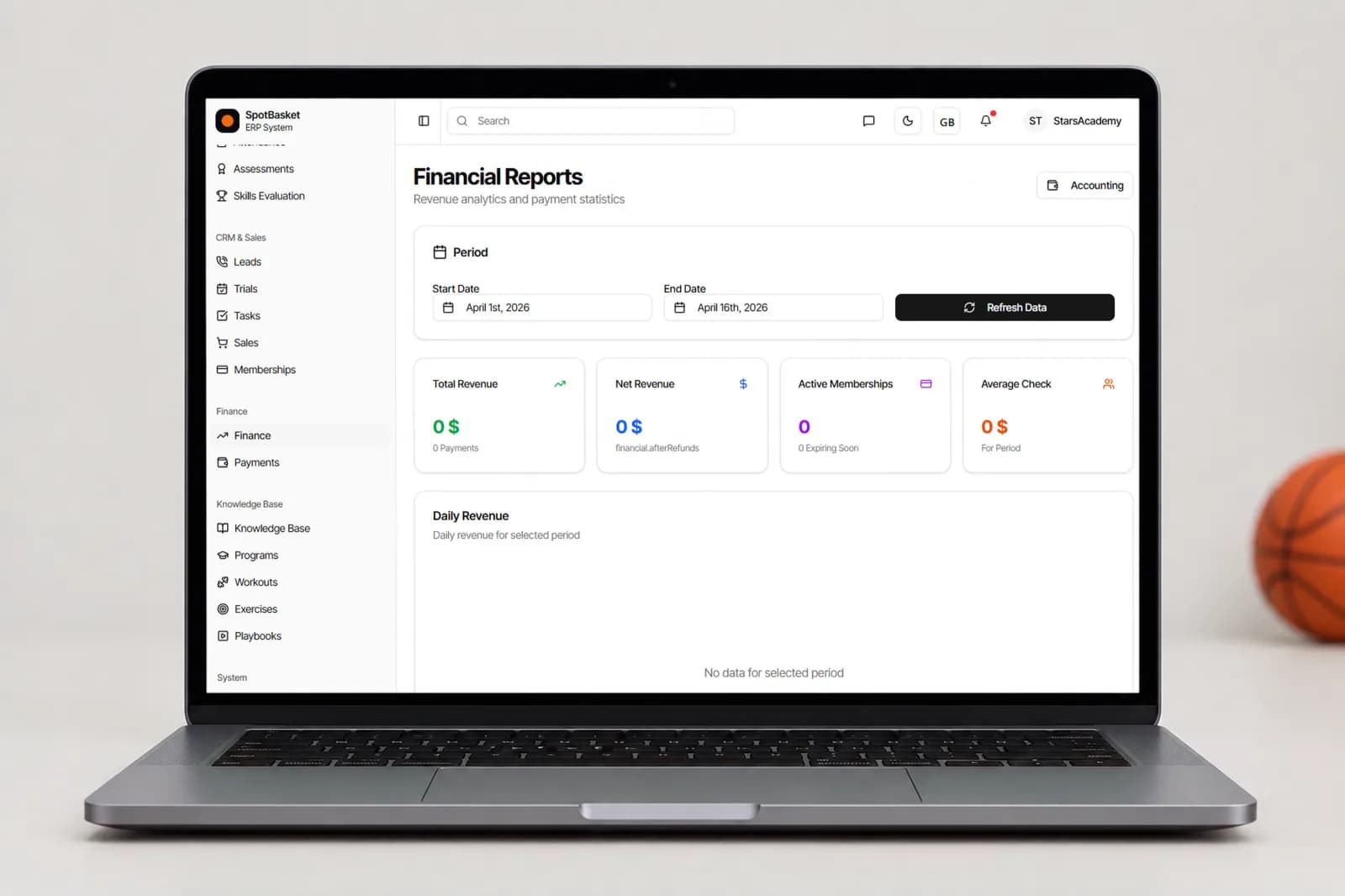
See monthly revenue, memberships, single sessions and renewals, with charts and a split by payment method.
Start with templates. A template defines what a family buys: an unlimited monthly membership, a 10-session pack, a free trial month or a deposit. It carries the price, number of sessions, validity in days, training type — group, individual or both — and the groups it applies to. Selling a membership then takes a few clicks from the student card.
Once sold, SpotBasket OS tracks the rest: days left, used and remaining sessions, and status such as active, expired or suspended. Apply a discount, suspend a membership during an injury, or turn on auto-renewal so it rolls over after a set number of days or on a fixed day each month. Expiring memberships appear as dashboard alerts.
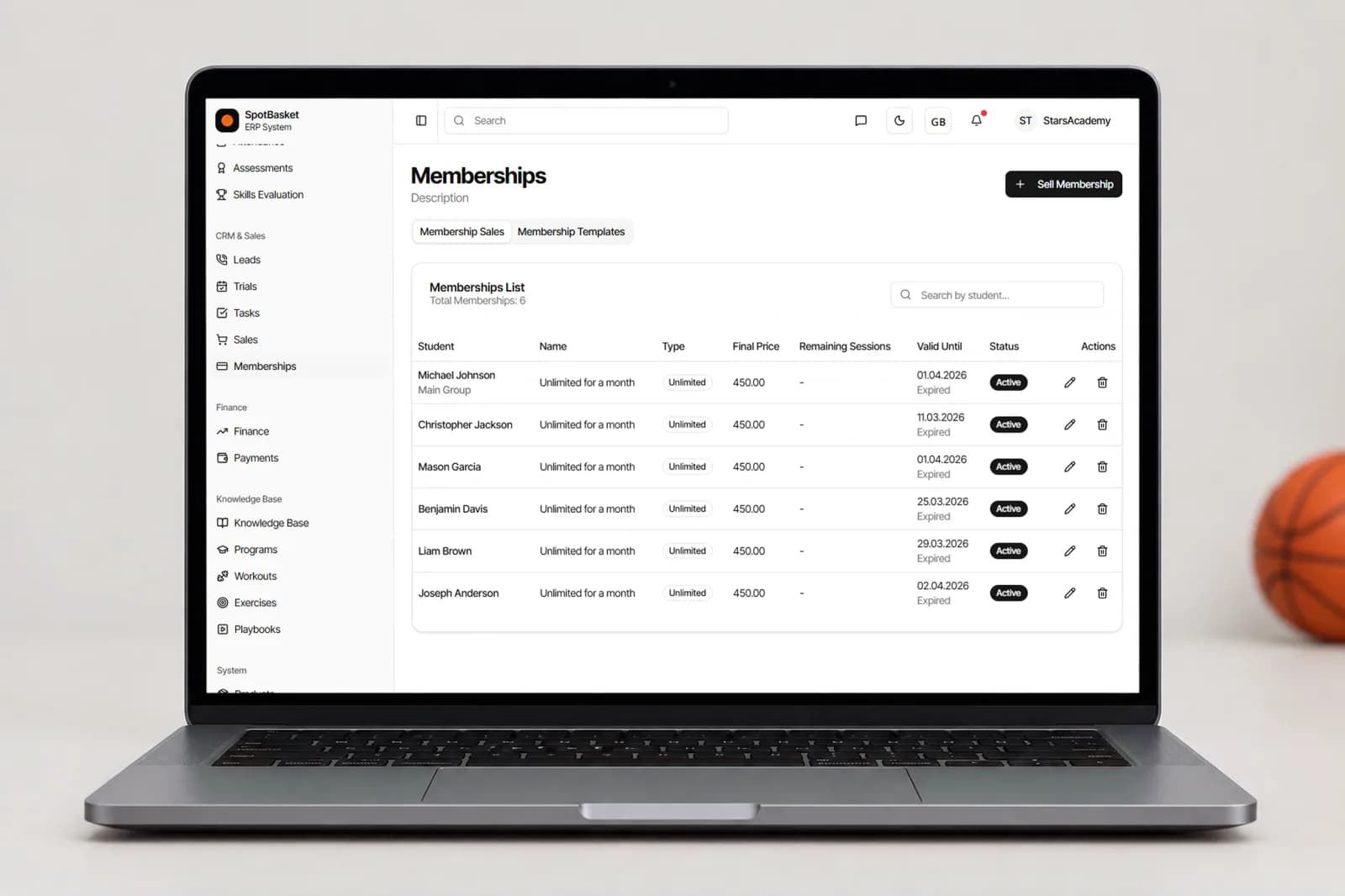
Each sale records how it was paid: cash, cashless or through an online payment integration such as Stripe. If a family pays later, mark the sale as on credit and SpotBasket OS records the debt until someone marks it paid. Payment dates can be set in the past, which helps when you move existing records over from a spreadsheet.
Families can also buy from their own account: memberships available for purchase are listed there, with options to pay online by card, pay from their account balance, or choose to pay later at the club. Templates marked for online sale can also be bought through your club website during the sales window you set.
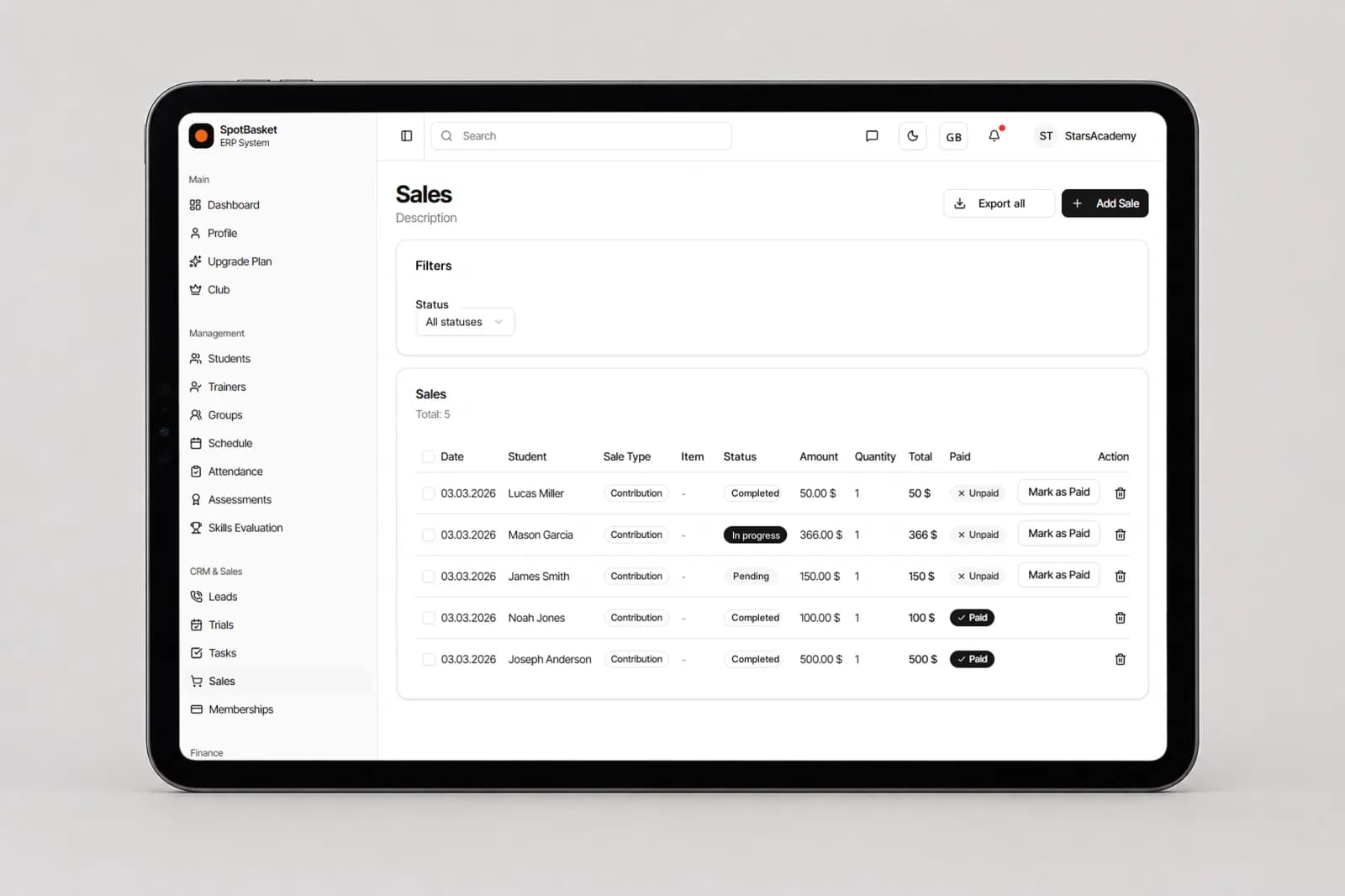
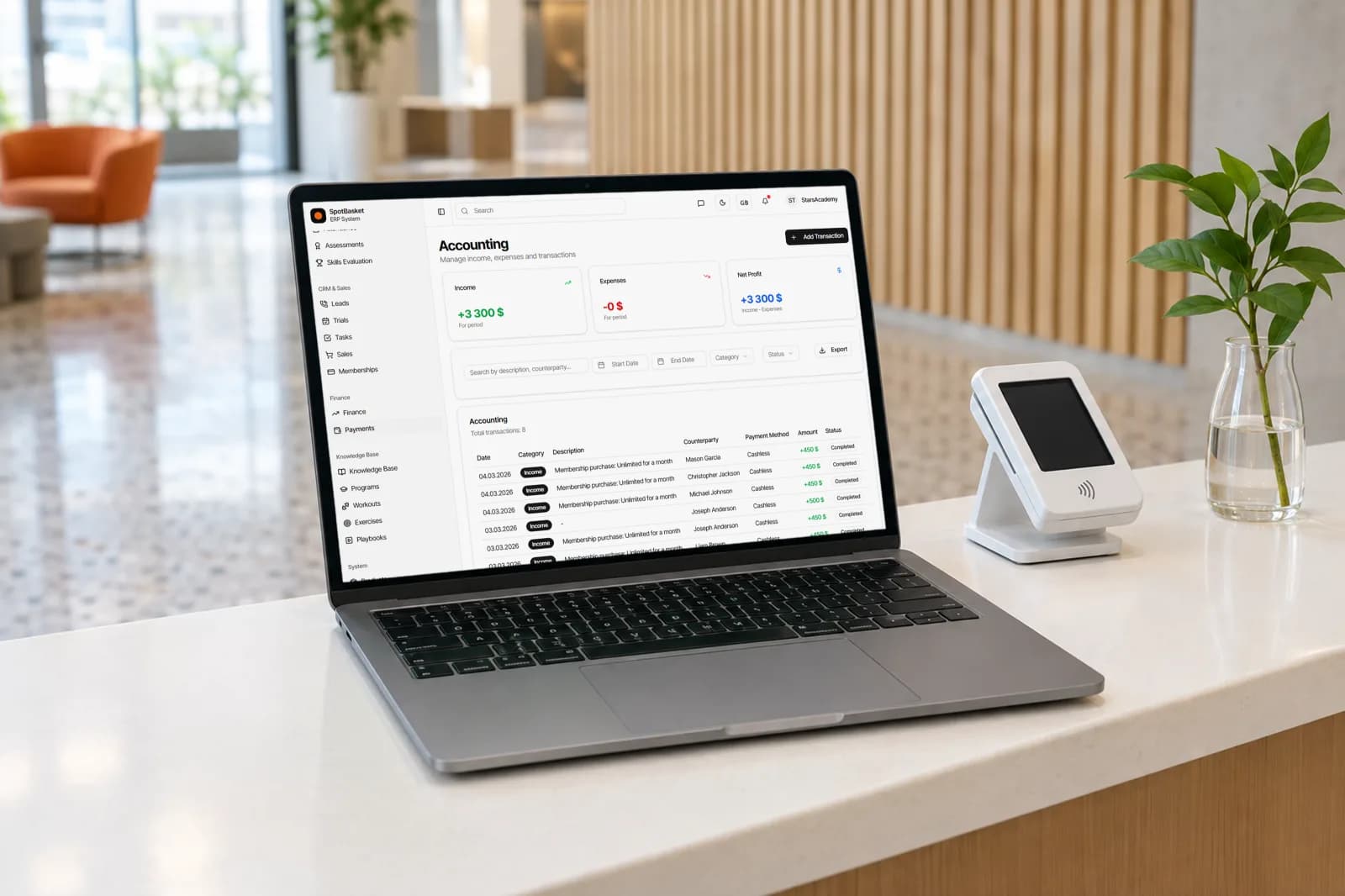
Money out matters as much as money in. The payments ledger records income and expenses with categories such as salary, rent, equipment, marketing, utilities and advertising, a counterparty and notes. Filter by period and type to see the total for the period and net profit as income minus expenses, then export the list for your accountant.
Beyond memberships, the Sales module records uniforms, competition and event fees, transport, accommodation, meals and merchandise, with product sizes and stock when you sell items from your store. Everything lands in the same books, so the numbers your director sees match what the front desk collected at the end of the day.
| Without SpotBasket OS | With SpotBasket OS | |
|---|---|---|
| Membership plans | Prices in a document, applied inconsistently | Templates with price, sessions, validity and groups |
| Knowing who has paid | Cross-checking bank statements with a sheet | Each sale marked paid or on credit |
| Renewals | Manual reminders and new invoices each month | Auto-renewal and automatic reminders |
| Online purchase | Separate payment links sent by hand | Memberships bought from the family account or club website |
| Expenses | Receipts in a folder | Expense ledger with categories and export |
| Monthly revenue | Built by hand at month end | Finance reports and charts by payment type |
Create your account at app.spotbasket.com and import your students from Excel.
Set up your plans with price, sessions, validity and groups, and choose which can be sold online.
Sell memberships from the student card, mark them paid or on credit, and connect an online payment integration.
Log expenses, check revenue reports each month and turn on renewal reminders.
Sports club membership management software tracks which families have which plan, what they paid and when it expires. SpotBasket OS does this with membership templates, session tracking, auto-renewal and automatic reminders, and connects it to attendance, the income and expense ledger and finance reports.
Yes, when your club connects an online payment integration such as Stripe. Parents then see available memberships and unpaid ones in their own account and can pay online by card, use their account balance or choose to pay later at the club. Memberships marked for online sale can also be bought from your club website.
Yes, membership templates can be unlimited, session-based, free or a deposit. Session-based memberships track used and remaining sessions, and SpotBasket OS can remind families automatically when their sessions are running low. Each template can be limited to group training, individual training or both, and to specific groups.
Yes, auto-renewal can be enabled per membership or by default on a template. Choose a sliding renewal after a set number of days or a fixed day of the month, and decide whether the renewal uses the same membership or a different template.
Yes, a membership or sale can be recorded as on credit instead of paid. SpotBasket OS keeps the debt on the student's record and lists memberships awaiting payment until a staff member marks them paid, so the front desk and the director see the same balance.
SpotBasket OS is free for every coach and club, with no monthly fee and no student limits. The only cost is a platform fee on payments your families make online through the system: 3% on Standard and on Academy Pro. Academy Pro adds all SpotBasket workouts, drills, programs and plays, and we enable it on request after a short call. Cash and manually recorded payments are 0%. Franchise terms are individual. Book a demo if you want help choosing; there is no need to talk to sales before trying the system.
Tell us how your club works today. We will show the modules that matter to you — groups, schedule, payments, player development and coaching tools — in a 30-minute call.