Coaching tools
A basketball drill library your whole staff can coach from
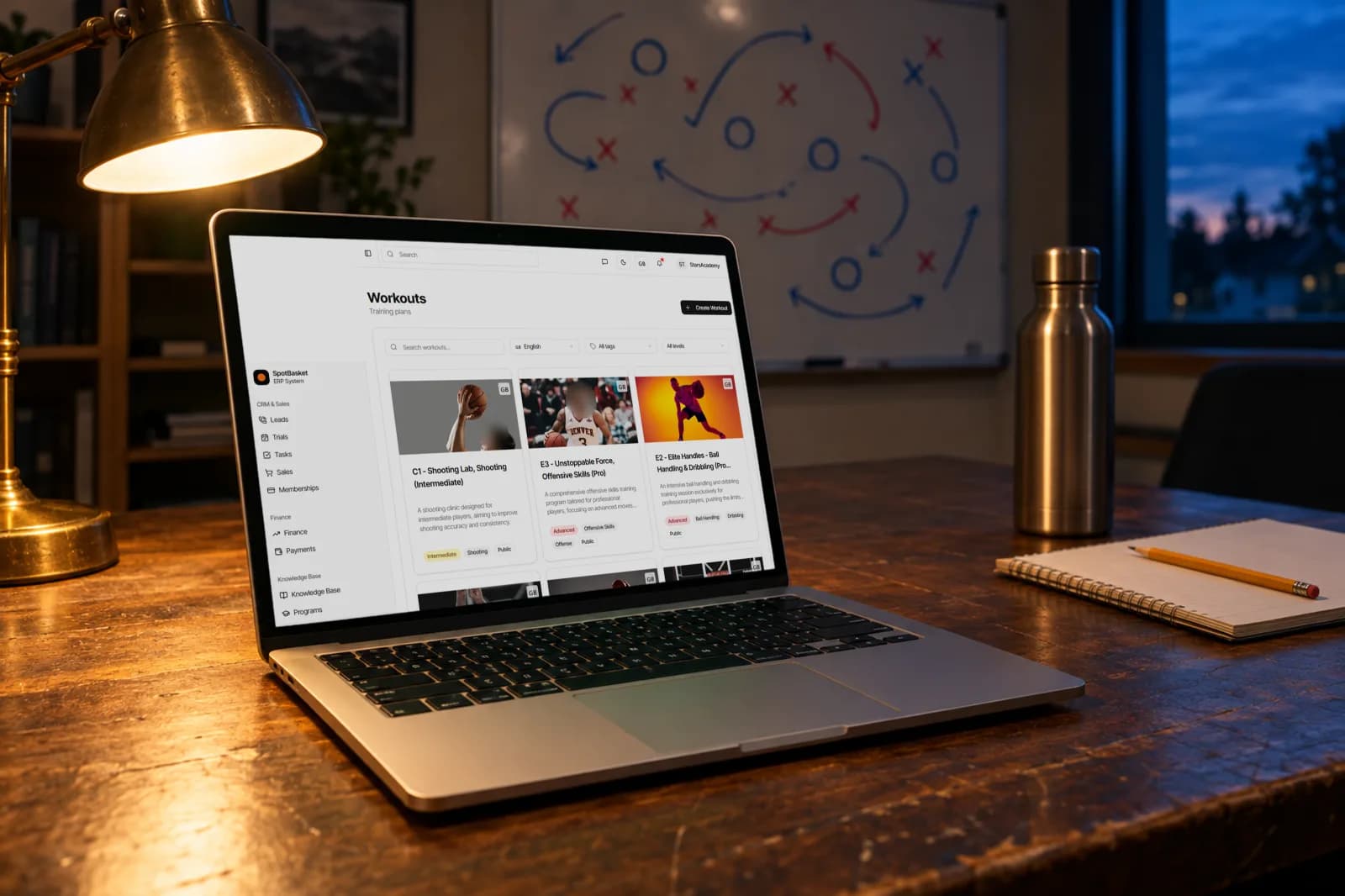
Keep every drill in one searchable place, with video, a diagram, the right age range and the equipment you need. Coaches find it in seconds and players can review it at home.
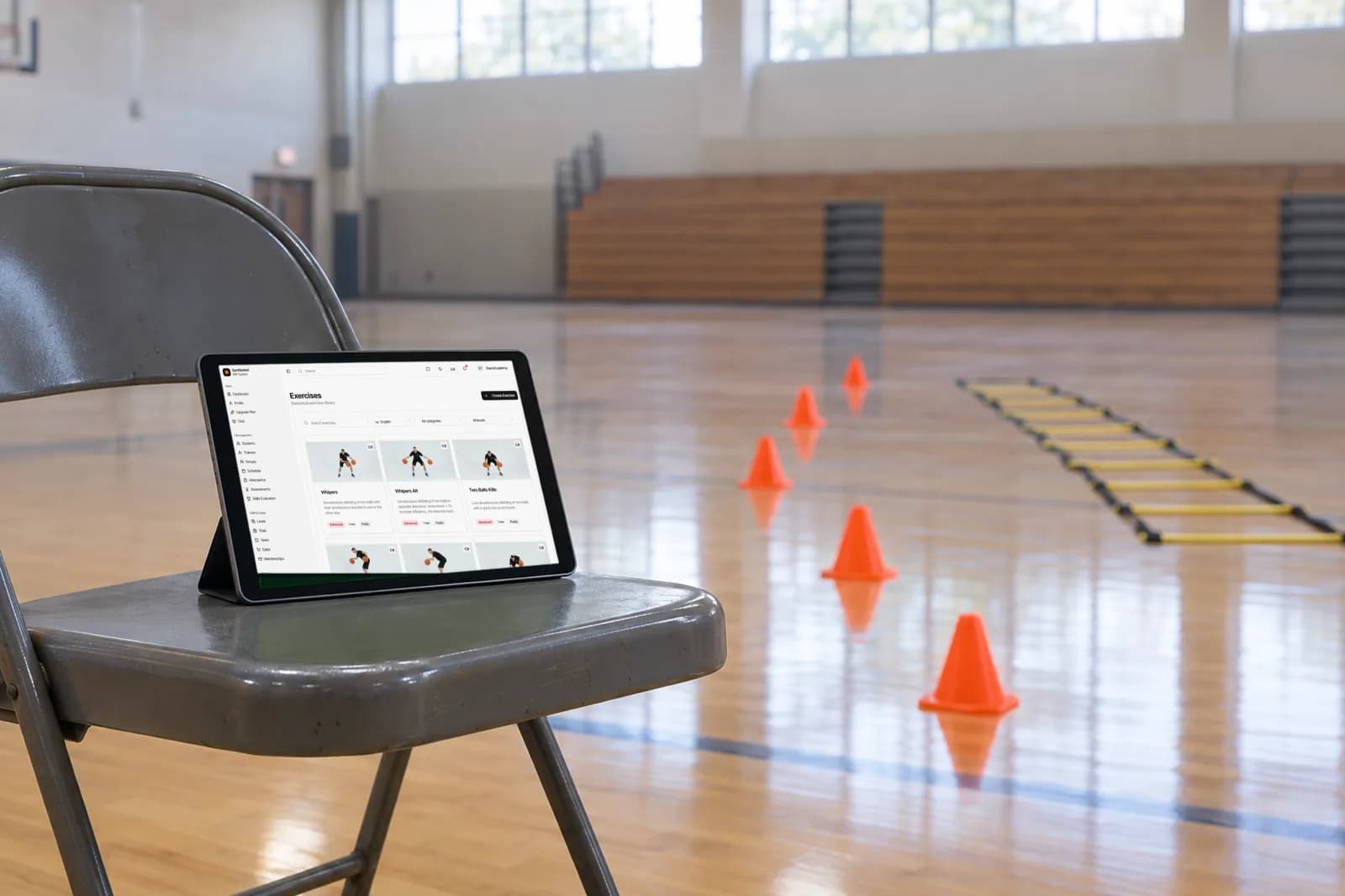
Keep every drill in one searchable place, with video, a diagram, the right age range and the equipment you need. Coaches find it in seconds and players can review it at home.
SpotBasket Drill Library is the exercise catalog inside SpotBasket OS. Each drill stores a description, category, difficulty level, age range, player count, duration, equipment, tags, a video and a preview diagram. Coaches search and filter the library, attach plays from the playbook maker and share selected drills with players and parents.
Paste a YouTube or direct link, or upload a video up to 1 GB that is converted for smooth streaming.
Mark each drill as beginner, intermediate or advanced and set an age range, so youth basketball drills are easy to separate.
Record duration, minimum and maximum players and the equipment needed, such as balls, cones or pinnies.
Group drills by category and tag them with terms like shooting, ball handling or defense for quick filtering.
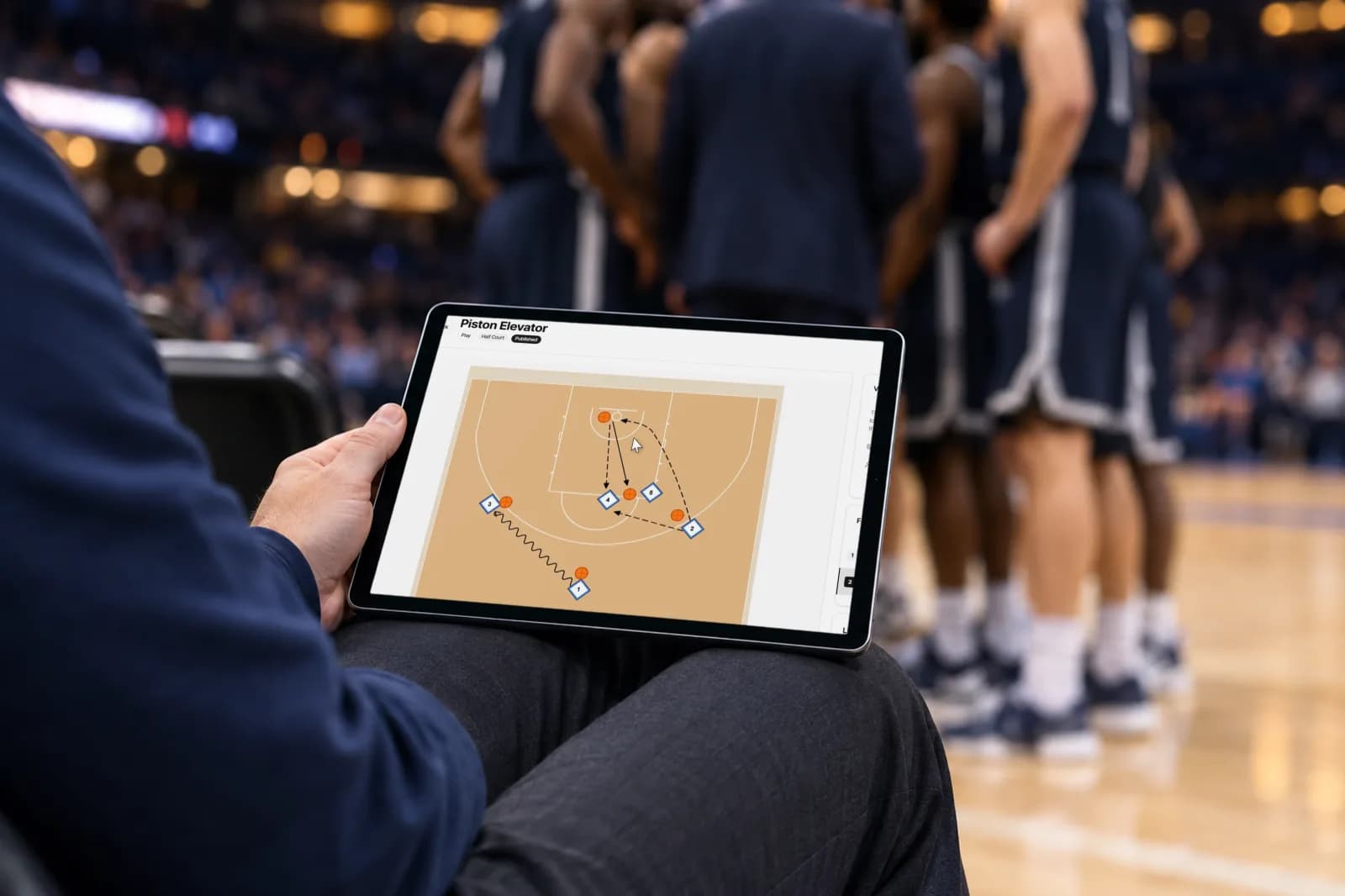
Upload an image as the drill diagram and attach animated plays from the Playbook Maker.
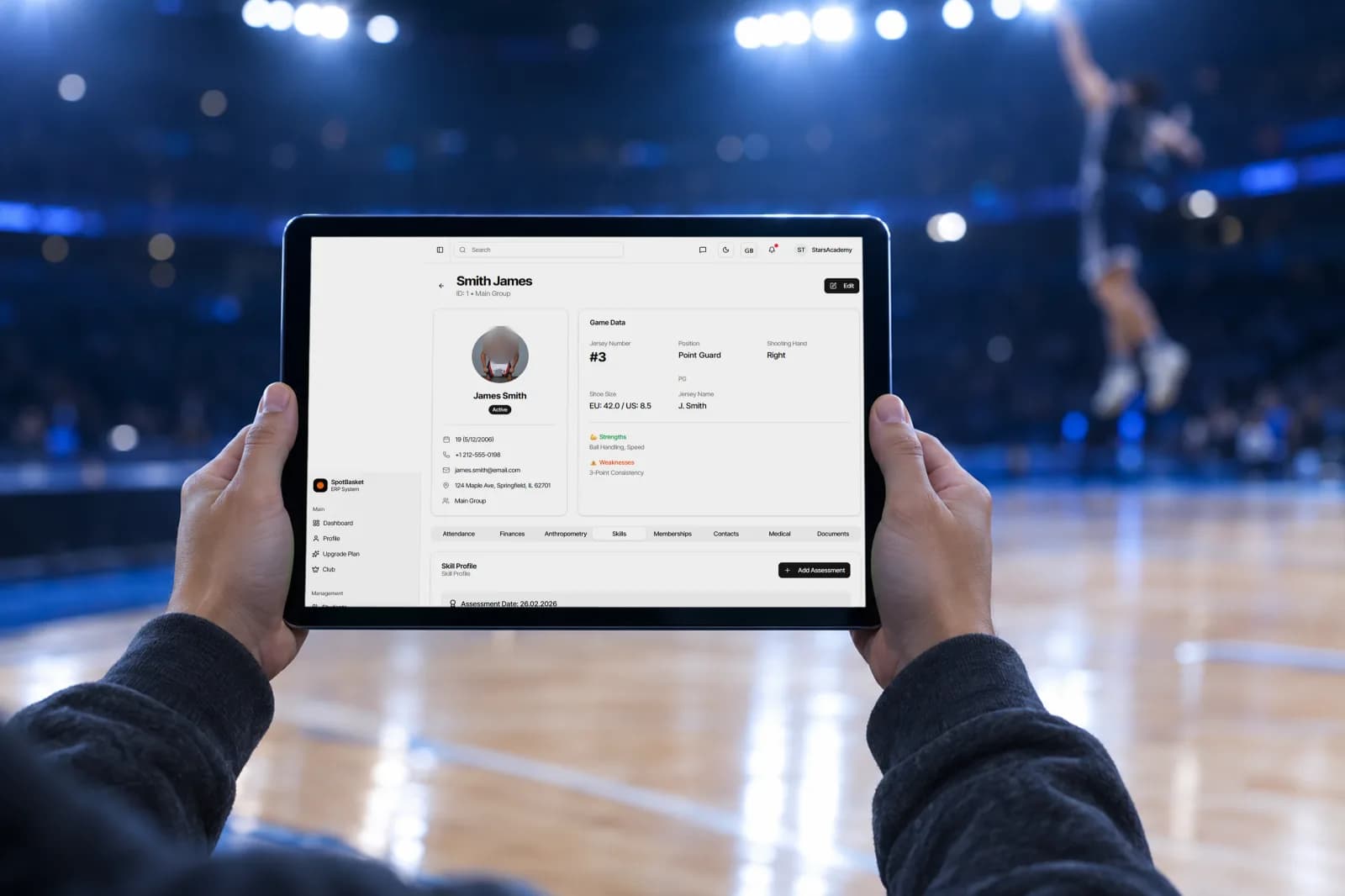
Turn on player access so athletes and parents can open drills in their account and practice at home.
A useful drill library answers the questions a coach asks before practice: what the drill trains, how long it takes, how many players it needs and what equipment to set out. SpotBasket OS stores all of that on one card, together with a written description, a category and a difficulty level, so an assistant coach can run a drill without a separate briefing.
Video makes the difference for younger players. Paste a YouTube link or upload your own clip and it streams right on the drill page. Add an image as the diagram, attach a play from the Playbook Maker, and the drill becomes something a player can watch, understand and repeat.
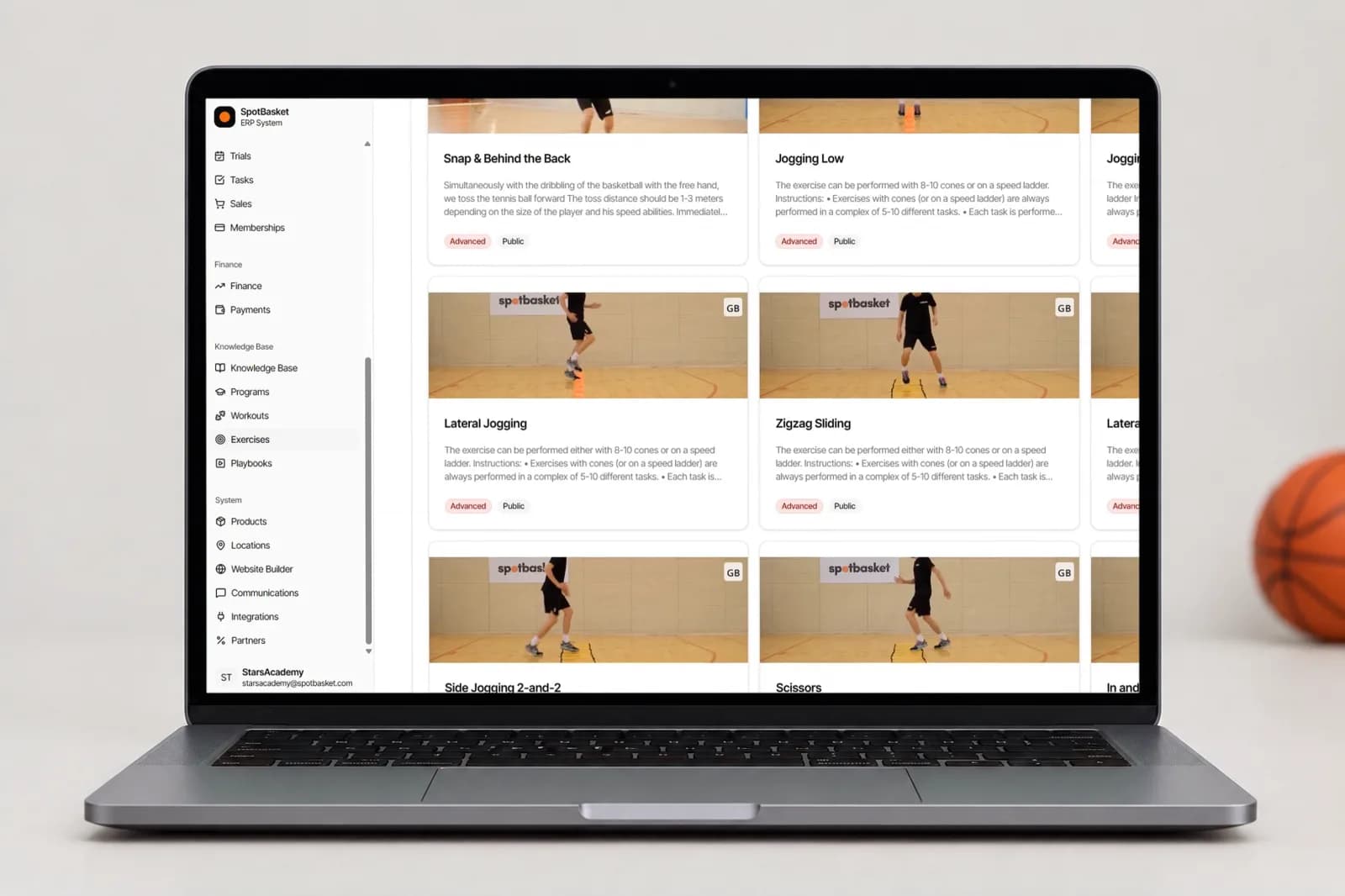
Basketball drills for kids need different progressions than drills for a high school varsity team. Filter the library by category, difficulty and language, or search by name and tag, and you get a short list that fits the group in front of you. A U10 coach looks for beginner ball handling drills; a senior coach pulls advanced shooting drills.
Because the library belongs to the club, not to one coach, it keeps growing as your staff adds drills. New coaches start with the same curriculum as everyone else, and a drill that works well in one group can be reused across the program. Drills created in one language can be duplicated into English, Spanish or Russian.
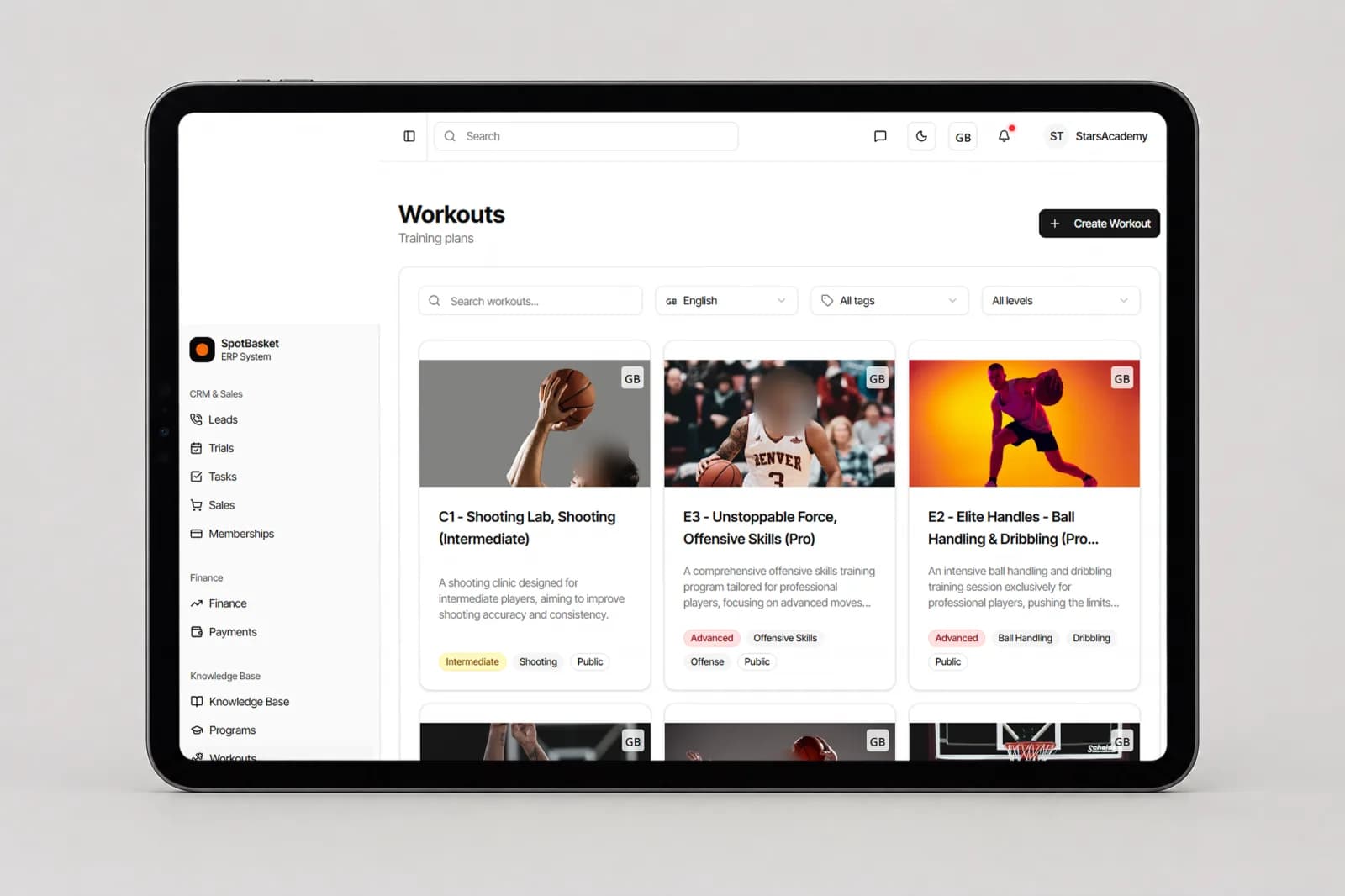
Drills are the building blocks of everything else in SpotBasket OS. Add them to a workout in the Practice Planner with minutes, sets, reps and rest, attach animated plays from the Playbook Maker, and the same drill card travels with its video and diagram into every plan that uses it. Update a drill once and every plan sees the change.
Access settings decide who sees each drill. Keep a new drill visible only to coaches while you test it, then turn on player access so athletes and parents can open it in their own account. Shooting drills and ball handling drills make natural homework, and a player who can watch the video at home arrives at practice already knowing the pattern.
| Without SpotBasket OS | With SpotBasket OS | |
|---|---|---|
| Storing drills | Notebooks, bookmarks and saved videos on personal phones | One club library with every drill on a structured card |
| Picking drills for a group | Memory and guesswork | Filters by difficulty, category, tags and language |
| Explaining a drill | Coach demonstrates it every session | Video and diagram on the drill page |
| Onboarding a new coach | Shadowing for weeks | Access to the same library on day one |
| Homework for players | YouTube links sent one by one | Drills shared to the player's account |
Create your SpotBasket OS account at app.spotbasket.com and invite your coaching staff.
Create the categories your program uses, such as shooting, ball handling, defense or conditioning.
Enter the details, attach a video and a diagram, and tag each drill so it is easy to find.
Add drills to workouts, attach plays and turn on player access for drills athletes should practice at home.
The best basketball drills app is one your whole staff uses to plan practice. SpotBasket Drill Library keeps drills with video, diagrams, levels and equipment in one searchable catalog and connects them to workouts, plays and your player roster, so drills are part of how the club runs rather than a separate app.
Yes, you can upload your own drill videos to SpotBasket OS. Files up to 1 GB are converted automatically into a streaming format, and the drill page shows the processing status. You can also paste a YouTube link, which is recognized automatically, or a direct video link.
Organize basketball drills for kids by age range, difficulty and skill. In SpotBasket OS each drill has an age from and age to, a beginner, intermediate or advanced level and tags such as ball handling or shooting. Filter by those fields to build age-appropriate sessions for each group.
Yes, players can watch drills at home when you enable player access on a drill. It then appears in the player's SpotBasket OS account with its video and description, which parents can open too. Drills without player access stay visible only to your coaching staff.
Yes, every drill can carry a diagram image and linked plays. Upload a drawing as the drill preview, or build the drill in the Playbook Maker with players, cones and movement lines and attach it. Coaches then see the animated setup right next to the drill description.
Yes, the drill library belongs to the club, so every coach with access sees the same drills. Clubs with several locations use the same library everywhere, which keeps the curriculum consistent while each coach still adds new drills as they go.
Tell us how your club works today. We will show the modules that matter to you — groups, schedule, payments, player development and coaching tools — in a 30-minute call.